

Apps First
Open Vector, type a few letters, and launch. Keyboard-first ranking keeps app results immediate and predictable.
Zero huntingVector brings apps, files, messages, clipboard history, weather, maps, contacts, and calendar into one launcher. It feels instantaneous because the intelligence stays local.
Vector is opinionated about what should happen when you type. It ranks for intent, not just string matches.
Open Vector, type a few letters, and launch. Keyboard-first ranking keeps app results immediate and predictable.
Zero huntingType a person, get contacts. Type an address, get maps. Vector routes the query before you have to think about sources.
Intent-awareAsk natural questions about files and conversations. Vector searches for meaning instead of just matching tokens.
Meaning over keywordsCopied something hours ago? Search it instantly from the same panel without switching mental modes or opening another utility.
Always recallableCalendar in the morning, weather before leaving, place results when you need directions. The panel adapts to your day.
Contextual surfacesVector leans into the latest macOS materials, smooth motion, and customizable layout so it feels native instead of bolted on.
Liquid Glass readyVector can surface the right utility panel based on time, context, and intent, so the launcher starts feeling more like a live command surface.

Natural language queries work because embeddings and retrieval stay on-device. You can search personal context without handing it to a server.

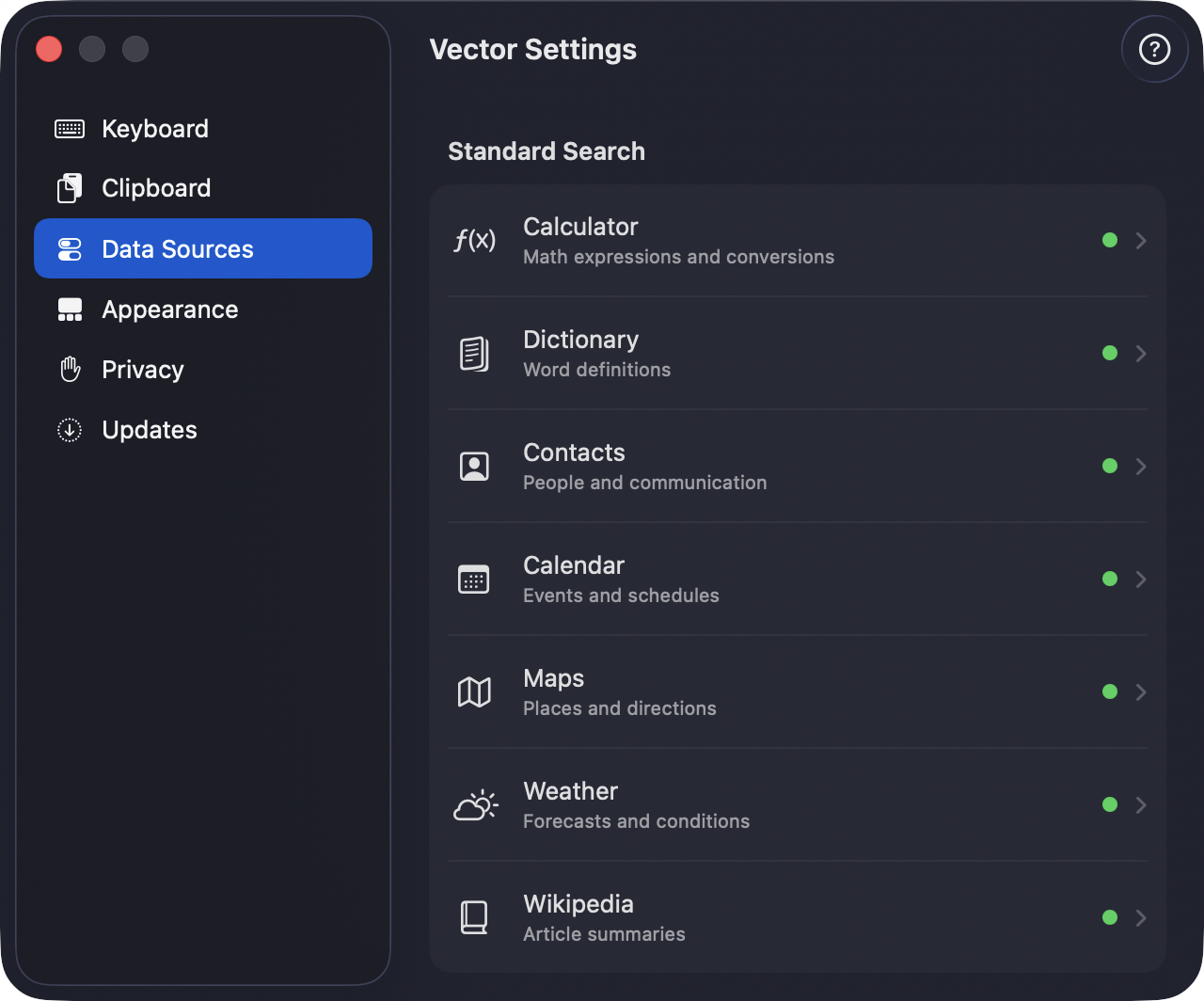
Move the panel, change sources, control shortcuts, and decide how much Vector should know about your system. The customization is deep without being noisy.
Vector’s strongest advantage is architectural. The intelligence runs locally, which means low latency and a saner trust model.
Embeddings, ranking, and query understanding run on your Mac. Searches do not need to leave the machine to be useful.
Semantic search and intelligent routing still work without a cloud dependency, which also means lower latency and fewer failure modes.
Anonymous TelemetryDeck analytics can help improve the product, but opting out is simple and no personal content is collected.
Vector is built to replace the friction of Spotlight without adding subscription fatigue. Download it, tune it, and make it yours.
Apple Silicon · macOS 26+ · No recurring fee
It's around ~120MB right now. Vector bundles two ML models: a routing model that decides which sources to surface for a query, and an embedding model for semantic search across messages and files.
Vector uses the Neural Engine where possible and aggressively optimizes memory. Semantic indexing can temporarily use up to around 800MB while it runs, but idle memory is usually far lower and still being improved.
Quit Vector and move the app to the Trash. You may also want to remove ~/Library/Application Support/Vector afterward because indexing data can take a few hundred megabytes.
You need an Apple Silicon Mac running at least macOS 26.0, plus enough local storage for indexing. Performance is best on newer chips.
Major issues are typically addressed quickly, and new features land whenever they are ready enough to feel stable rather than rushed.
You can, but Vector is intended more as a superior Spotlight replacement than a Raycast clone. It is optimized for people who want search to feel native, fast, and reliable again.
Fried rice still leads, especially if it has the same energy as the best Chinatown plate ever. Steak, shawarma, and a good milkshake are also difficult to argue with.